
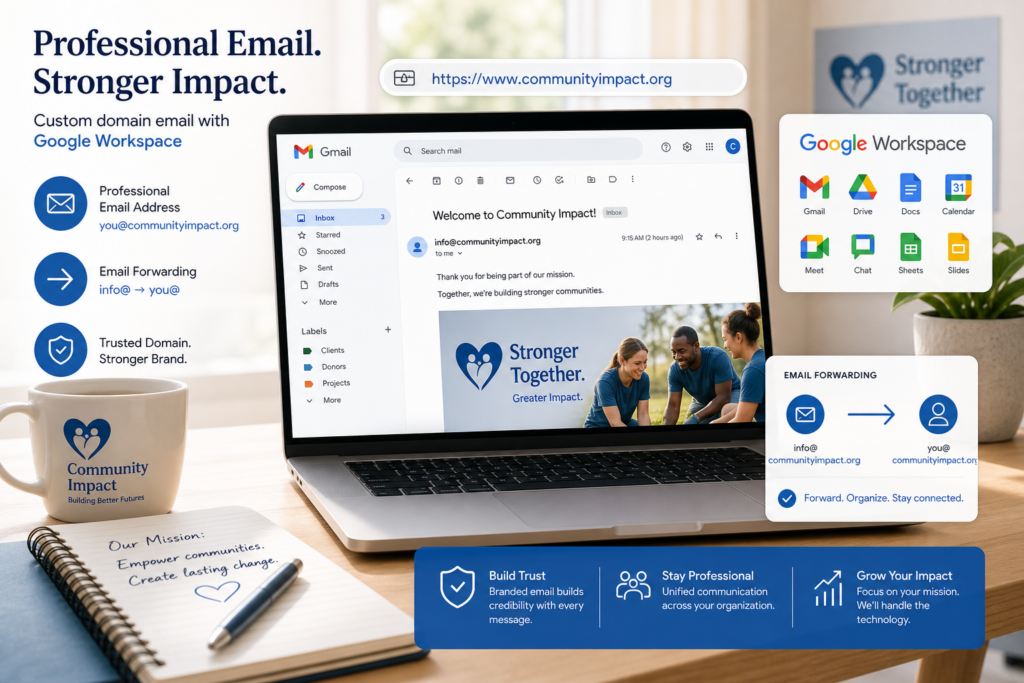
A lot of people ask this after buying a domain: can I keep using Gmail and still have an email address with my domain name?
The short answer is yes, but there are a few different ways to do it, and they are not all the same. Understanding the difference can save you time, money, and frustration when setting up your business, church, ministry, or nonprofit.
Option 1: Forward Your Domain Email to Gmail
This is the simplest option. You create an email address like info@yourdomain.com and set it up to forward incoming messages to your existing Gmail inbox.
You can read and respond to those messages inside Gmail, but unless you configure Gmail to send from your domain address, replies may show your personal Gmail address instead of your custom domain.
- Low cost, often included with domain registration
- Easy to set up
- Good for receiving messages on a custom domain
- Not ideal for branding, because replies may show your Gmail address
- Does not give you a true professional email account
Forwarding works fine if you just want to catch messages sent to your domain while you are getting started. It is not the best long-term solution for organizations that want to look polished and professional.
Option 2: Use Google Workspace
Google Workspace (formerly G Suite) gives you a full Gmail experience with your own domain name. You send and receive email through Gmail, but your address shows your domain instead of @gmail.com.
Google Workspace also includes Google Docs, Sheets, Drive, Calendar, and Meet, which makes it a strong option if your team already lives inside Google tools.
- Full Gmail interface with your domain name
- Includes Google productivity apps
- Requires a paid Google Workspace subscription (starting around $6 per user per month)
- Good for teams already using Google tools
The main tradeoff is cost and commitment. Google Workspace is a solid product, but it is a monthly subscription that adds up, especially for small organizations with multiple users.
Option 3: Use Professional Email or Microsoft 365
If you want domain-based email without committing to the Google ecosystem, Professional Email and Microsoft 365 are both strong alternatives.
Professional Email starting at $1.99 per user per month is the simplest option. It gives you a custom email address tied to your domain with reliable delivery, without the complexity of a larger productivity suite.
Microsoft 365 starting at $5.99 per user per month gives you business email plus Word, Excel, PowerPoint, Teams, and OneDrive. It is a better fit for churches, nonprofits, and businesses that need team collaboration tools along with email.
Not sure which one fits your organization? Read Do I Need Professional Email for My Domain? for a side-by-side comparison.
Which Option Is Best?
The right choice depends on what your organization already uses and what you need email to do.
- Just getting started and want to catch domain email for free: Forwarding may be enough for now.
- Already using Google tools and want full Gmail with your domain: Google Workspace is worth it.
- Want simple, reliable professional email at the lowest cost: Professional Email is the right move.
- Need email plus Microsoft apps for your team: Microsoft 365 is the better investment.
For most churches, nonprofits, and small businesses, Professional Email or Microsoft 365 provides the best balance of cost, reliability, and professionalism. If email has been unreliable for your organization in the past, read Why Your Church Email Keeps Bouncing to understand the most common causes and how to fix them.
The Usual Starting Path
If you are building your online presence from the ground up, here is the most straightforward sequence:
- Register your domain.
- Create professional email tied to that domain.
- Build your WordPress website.
- Protect your website with security.
- Back up your website.
You do not need to do all of this at once. But getting a domain and a matching professional email address is a natural starting point.
Where to Get Help
If you are not sure which option fits your situation, start with the Cyber Grapes Help Center. You can also browse setup guides for Professional Email, Microsoft 365, and domain setup.
DIY customers can also call 719-767-7754 for 24/7 sales and support.
The Bottom Line
Yes, you can use Gmail with your domain name, but forwarding alone has limits. For a professional, branded email address that is easy to manage and reliable long-term, Professional Email or Microsoft 365 is usually the better choice. Start with a domain, add email, and build from there.