
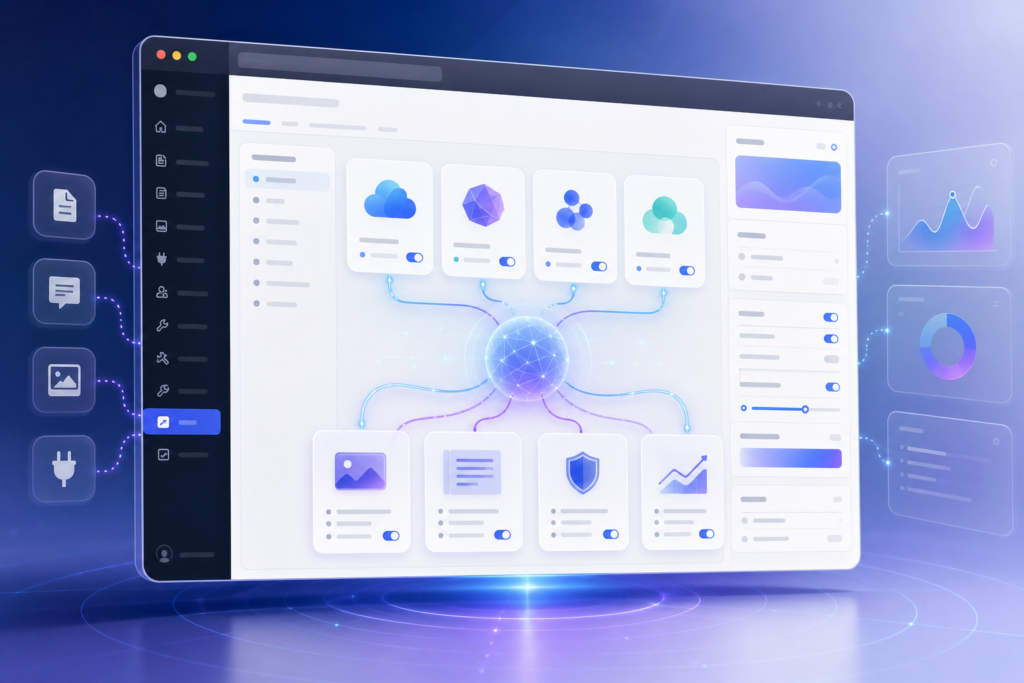
WordPress 7.0 introduces AI Connectors, a centralized admin-area system for linking providers such as OpenAI, Google, and Anthropic. It is designed to standardize AI setup, reduce fragmented plugin integrations, and let compatible tools use shared connections.
The feature supports native AI functions including image generation, editing, title and excerpt creation, alt text, summarization, moderation, and editorial suggestions. It still requires provider API access and includes controls for logging and approval.
WordPress 7.0 is introducing AI Connectors, a new centralized system for linking AI providers like OpenAI, Google, and Anthropic directly in the admin area. The feature aims to standardize AI plugin setup, simplify integrations, and power native tools such as image generation, excerpt creation, alt text, moderation, and content suggestions.
WordPress 7.0 is introducing something that could completely change how artificial intelligence works inside WordPress websites: AI Connectors.
After taking a first look at the new system, it feels less like a simple plugin feature and more like WordPress laying the foundation for an AI-powered future.
Instead of every plugin building AI differently, WordPress is now creating a centralized AI connection system directly inside the platform itself.
And honestly… it is pretty exciting. There’s something energizing about seeing things start to take shape, especially when you can already imagine where they might lead. Even if it’s still early, that sense of possibility can make the whole experience feel a lot more rewarding.
Where You’ll Find AI Connectors
Inside WordPress 7.0, there is now a dedicated section under:
Settings → Connectors
This becomes the central hub where AI providers can be connected to WordPress.
At first glance, the interface is surprisingly clean and straightforward. The goal appears to be making AI integrations work more like connecting payment gateways or email providers instead of complicated developer-only setups.
Supported providers currently include:
- OpenAI
- Anthropic
Once connected, compatible plugins can use those AI services without needing separate API setups all over your website.
That alone is a huge improvement.
The AI Plugin Experience Feels Much More Native
One of the most interesting parts of this first look is how AI features now feel more “built into WordPress” instead of bolted on afterward.
After enabling the AI plugin and connecting an AI provider, WordPress exposes a growing list of AI-powered features directly inside the admin experience.
Some of the available options include:
- AI image generation
- Image editing
- Title generation
- Meta description generation
- Excerpt generation
- Alt text generation
- Content summarization
- Editorial suggestions
- Content resizing
- Comment moderation experiments
- Admin moderation tools
Everything is controlled with simple toggles, making it easy to turn individual AI features on or off.
It honestly feels like WordPress is testing the waters carefully instead of overwhelming users all at once.
One Important Thing to Understand
The AI Connectors system itself is not the actual AI.
It is the connection layer.
Think of it like WordPress creating a universal “AI bridge” that plugins can plug into.
That means developers no longer need to individually build OpenAI or Gemini integrations from scratch every single time.
Instead, WordPress handles the connection side centrally.
That is a very smart move.
This Could Make AI Plugins Much Better
Right now, many AI plugins feel fragmented.
One plugin asks for an OpenAI key.
Another uses a different setup entirely.
A third may only support one provider.
The new Connectors system could standardize a lot of that.
For website owners, that means:
- Cleaner setup
- Less confusion
- Easier AI management
- Better compatibility between plugins
For developers, it could dramatically reduce development time.
And for agencies managing multiple WordPress websites… this could save a lot of headaches.
It Still Requires API Access
One thing WordPress makes very clear during setup:
AI services are not free.
Most of these tools still require API access through providers like OpenAI, which means usage costs can apply depending on how heavily the features are used.
WordPress also includes logging and approval options so administrators can better control AI requests and activity.
That is important because AI costs can scale quickly on busy websites.
Why This Feels Like a Bigger Deal Than It Looks
At first glance, AI Connectors may seem like a small settings page.
But after looking deeper, it feels like something much bigger.
WordPress is quietly building AI infrastructure into the core ecosystem.
That opens the door for future possibilities like:
- Smarter SEO tools
- AI-assisted blogging
- Automated accessibility improvements
- AI-enhanced WooCommerce stores
- Smarter website moderation
- Faster content workflows
And because WordPress powers such a massive portion of the internet, this move could influence how AI gets integrated into websites everywhere.
Final Thoughts
This first look at WordPress 7.0 AI Connectors feels like the beginning of a major shift for WordPress.
The system is still early, experimental, and evolving… but the direction is obvious.
WordPress wants AI to become a native part of the publishing experience.
Not in a chaotic way.
Not through dozens of disconnected plugins.
But through a centralized framework that developers and website owners can build on together.
If this rollout continues smoothly, WordPress 7.0 may eventually be remembered as the release where AI officially became part of the WordPress foundation.