
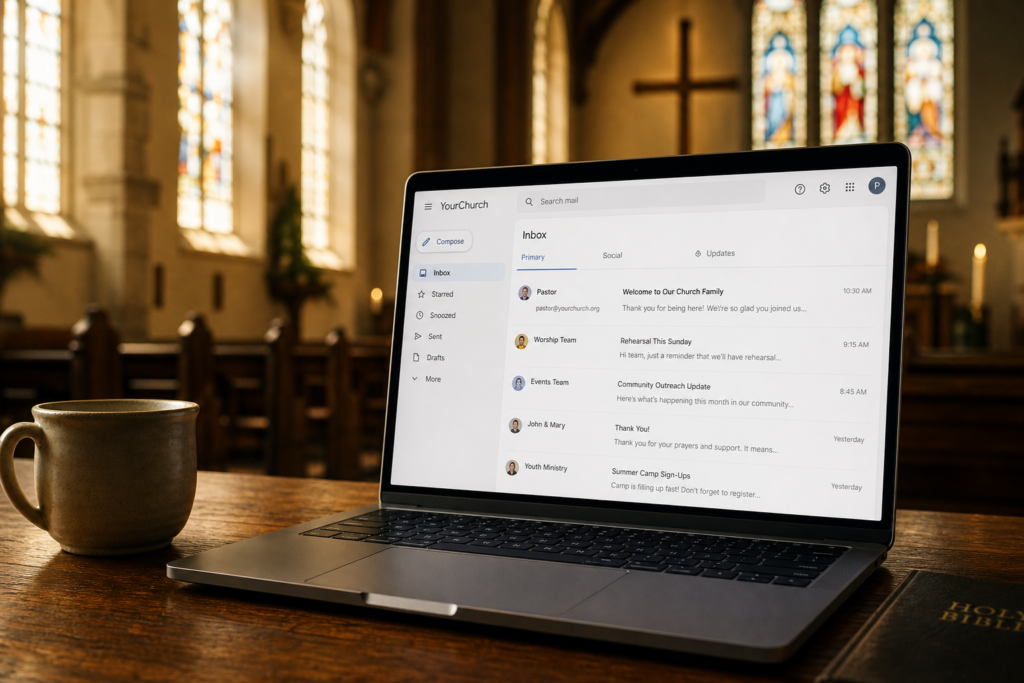
Your church works hard to stay connected with your congregation. Professional email makes that possible — without the confusion of personal Gmail addresses or free accounts that make your ministry look less credible than it deserves.
If your church is still using a free email account like klfcchurch@gmail.com or info@roarinthevalley.hotmail.com, this guide is for you. Setting up professional email for your church is simpler than you think, and it makes a bigger difference than most people expect.
Why Your Church Needs a Professional Email Address
When someone receives an email from pastor@yourchurch.org, they immediately know it is official. When the same email comes from a personal Gmail account, there is always a small moment of uncertainty — is this real? Is this spam?
That uncertainty matters. Churches often communicate about:
- Volunteer schedules and event invitations
- Donation receipts and financial giving
- Pastoral care and confidential matters
- Ministry announcements and prayer requests
Every one of those messages deserves to arrive from an address your congregation can immediately trust.
Beyond trust, professional email protects your ministry. Free accounts can be suspended without warning. Ownership is tied to the personal account holder, not the church itself. If your administrator leaves, so can access to years of important communications.
A church-owned email address — info@yourchurch.org, office@yourchurch.org, pastor@yourchurch.org — belongs to your ministry, not to any individual person.
What to Look for in Church Email
Not all professional email services are created equal. For churches and ministries, the most important features are:
Your own domain address. Your email should end in your church’s domain, like @yourchurch.org. This is the most visible sign of professionalism and trust.
Reliability. Church communications cannot afford missed messages. Look for a provider with strong uptime and deliverability — meaning your emails actually land in inboxes, not spam folders.
Easy management. Church volunteers and staff are not IT professionals. Email should be easy to set up, easy to access, and easy to manage without technical training.
Affordable pricing. Churches operate on tight budgets. Per-user pricing at a low monthly cost makes it easy to add addresses for different ministry departments without breaking the budget.
Professional Email Options for Churches
Cyber Grapes offers two professional email options that work well for churches and ministries.
Professional Email (Titan)
This is the most affordable option and works well for most small churches and ministries. Plans start at $1.99 per user per month, making it easy to set up addresses for your pastor, office, worship team, and volunteer coordinators without significant expense.
Professional Email is simple to use, works on any device, and connects to your church’s domain. It is a clean, reliable solution for organizations that need trustworthy email without complex features.
You can explore Professional Email options at email.cybergrapes.com.
Microsoft 365 for Churches
If your church uses Microsoft Word, Excel, or PowerPoint for bulletins, budgets, and presentations, Microsoft 365 is worth considering. It combines professional email with full access to the Microsoft Office suite, shared calendars, and team collaboration tools.
Microsoft 365 plans start at $5.99 per user per month and may be available at nonprofit discounts through Microsoft’s separate nonprofit program — something worth researching independently if budget is a concern.
You can explore Microsoft 365 options at microsoft365.cybergrapes.com.
You Need a Domain First
Professional email requires a domain — your church’s web address, like yourchurch.org. If your church does not already own a domain, that is the first step.
Registering a domain is straightforward and typically costs around $13.99 per year. Once your domain is registered, setting up professional email is the natural next step.
You can search for and register your church’s domain at domains.cybergrapes.com.
If your church already has a domain with another provider, you can transfer it or simply point your email to a new provider while keeping your existing website setup in place. Our support team can help walk you through that process.
How to Set Up Professional Email for Your Church
The general process looks like this:
- Register or confirm your domain. Your church needs to own its own domain name before setting up email.
- Choose a professional email plan. Select the plan that fits your church’s size and budget.
- Create your email addresses. Decide which addresses you need — pastor, office, info, worship, volunteers — and create them.
- Update your DNS records. This is the technical step that connects your domain to your new email provider. Most providers give you clear instructions, and our support team is available at 719-767-7754 if you need help.
- Test and migrate. Send test messages, confirm everything is working, and let your congregation know your new official email address.
For step-by-step help, visit the Cyber Grapes Help Center at help.cybergrapes.com.
What About the Church Website?
Professional email and a church website go hand in hand. Once your domain is set up and your email is running, the natural next step is making sure your website represents your ministry well.
If your church does not yet have a website, or if your current site feels outdated, WordPress hosting is a straightforward and affordable solution that gives your ministry a professional online presence. You can explore WordPress hosting options at wordpress.cybergrapes.com.
If you prefer a simpler option without WordPress, the Website Builder is another good path. It requires no technical knowledge and is especially well suited for churches and volunteer-led organizations. You can explore Website Builder plans at build.cybergrapes.com.
Your Congregation Deserves an Email Address They Can Trust
Professional email is one of the smallest investments a church can make with one of the biggest returns in credibility and trust. For a few dollars per month, every email your ministry sends can arrive from an address that clearly says: this is real, this is official, and this comes from us.
If your church is ready to move from a free account to professional email, we are here to help.
Get started at email.cybergrapes.com or reach our team at 719-767-7754.
You can also visit the Cyber Grapes Help Center at help.cybergrapes.com for setup guides and tutorials.