
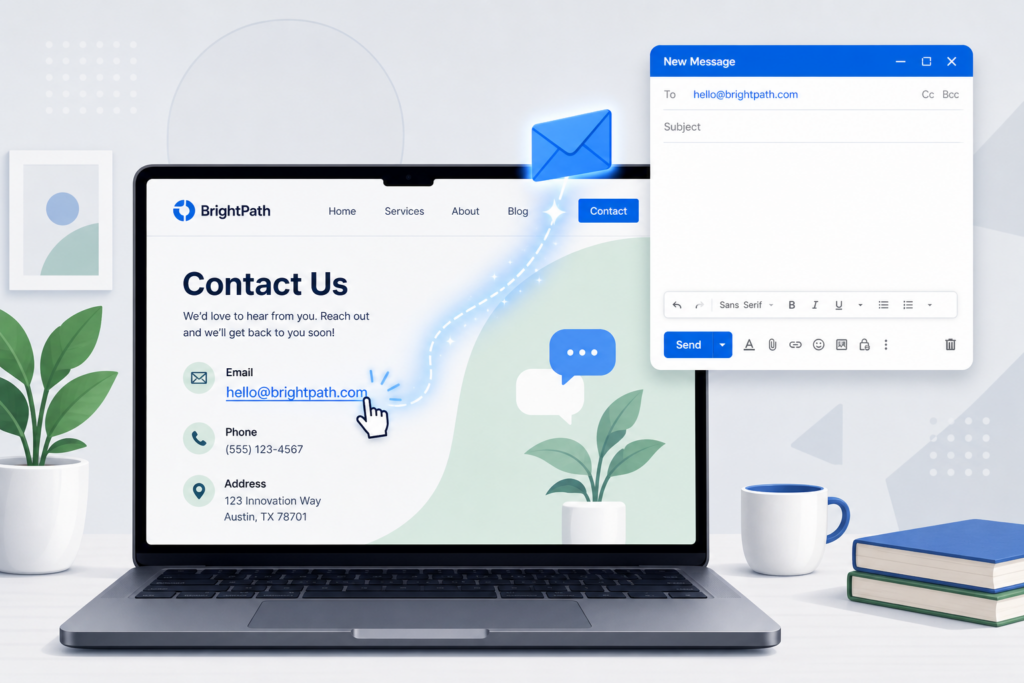
Have you ever clicked an email address on a website and your email app opened automatically? That’s called a clickable email link, and it’s one of the easiest ways to let visitors contact your business.
Instead of copying and pasting your email address, your visitors can simply click the link to start writing you an email.
Why Use a Clickable Email Link?
A clickable email link makes it easier for people to reach you. Whether someone has a question about your services, wants to request a quote, or needs support, a single click can help them get in touch faster.
You’ll often find clickable email links on:
- Contact pages
- Website footers
- “Contact Us” buttons
- Support pages
How Does It Work?
A clickable email link uses something called mailto:.
For example, instead of displaying just:
you turn it into a link that tells the visitor’s device to open their email application.
The HTML code looks like this:
<a href="mailto:support@example.com">Email Us</a>If you’re using WordPress or another website builder, you usually won’t need to write any code yourself.
How to Add a Clickable Email Link in WordPress
Adding an email link in WordPress only takes a minute.
- Open the page or post you want to edit.
- Highlight the text you want people to click, such as Email Us.
- Click the Link button in the editor.
- Enter your email address using this format:
mailto:youremail@example.com- Save or update your page.
- Visit your website and test the link to make sure it works.
That’s it!
Can I Automatically Add a Subject Line?
Yes! You can make things even easier for your visitors by adding a subject line automatically.
For example:
<a href="mailto:support@example.com?subject=Website Inquiry">Contact Us</a>When someone clicks the link, their email will already have the subject Website Inquiry filled in.
You can even pre-fill part of the message if you’d like.
Why Doesn’t My Email Link Work?
If your email link isn’t working, don’t worry. Here are a few common reasons:
- The email address was entered incorrectly.
- The mailto: part is missing.
- The visitor doesn’t have a default email application set up on their device.
- The link wasn’t saved correctly in your website editor.
A quick test after publishing your page can usually help you catch these issues.
Will This Work on Mobile Phones?
Yes! Most smartphones recognize email links automatically.
When someone taps your email link, their default email app usually opens with a new message ready to send.
How Can I Reduce Spam?
If your email address is visible on your website, there’s a chance spam bots could find it and send unwanted emails.
Here are a few ways to help reduce spam:
- Use a contact form for most inquiries.
- Only display your email where it’s necessary.
- Protect your contact forms with CAPTCHA.
- Use spam filtering on your business email account.
If you receive a lot of inquiries, a contact form is often the better option because it helps organize messages while reducing spam.
Need Help?
If you’re having trouble adding a clickable email link or setting up a contact page, we’re here to help. Our team can help you add contact links, create user-friendly contact forms, and make it easy for visitors to reach your business.